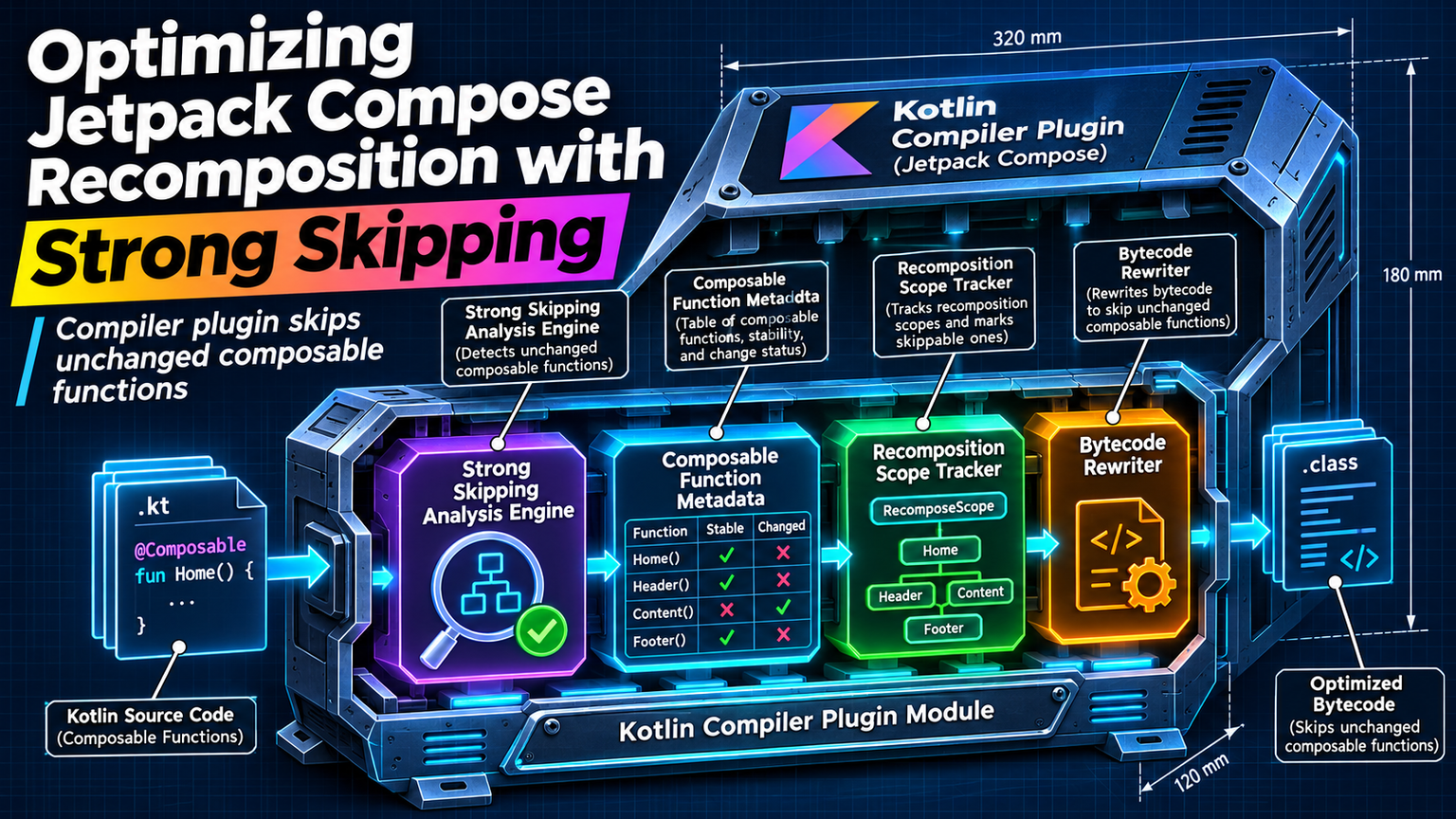
Your Compose UI stutters. Profiling shows wasted recompositions. You've stabilized parameters, lifted state, and still see frames drop. The compiler keeps invalidating composables because it can't prove stability. Strong Skipping changes that equation entirely.
What Strong Skipping Actually Does
Traditional Compose stability analysis marks any parameter with an unstable type as a recomposition trigger. A mutable list, a data class with a var, or a lambda capturing unstable state — all force re-execution. Strong Skipping flips the default: unstable parameters now compare by instance equality (===) instead of auto-invalidating.
ℹ️
NoteStrong Skipping requires Compose Compiler 1.5.10+ and Kotlin 1.9.20+. Enable with compiler argument: -P plugin:androidx.compose.compiler.plugins.kotlin:strongSkippingMode=true
The Instance Equality Shift
Under standard mode, Compose treats unstable parameters as "always changed." Strong Skipping asks: is this the exact same object reference? If yes, skip. This means passing the same User instance — even if its internal state mutated — won't trigger recomposition. The tradeoff: you must ensure new instances reflect actual UI changes.
"Strong Skipping moves the burden from compiler analysis to developer discipline. You decide when identity changes.
— Jake Wharton, Android Engineer
Lambda Memoization Bonus
Strong Skipping also memoizes lambdas with unstable captures. Previously, a lambda capturing a mutable variable recreated on every composition. Now the compiler generates a singleton lambda instance when captures are === equal. This eliminates a major source of unnecessary recompositions in callback-heavy UIs.
When Strong Skipping Hurts
Instance equality breaks when you create new wrapper objects for the same data. Common pitfalls: mapping lists to new data classes, wrapping primitives in holders, or using copy() on data classes. Each creates a new reference, triggering recomposition even if content is identical.
| Pattern | Standard Mode | Strong Skipping |
|---|---|---|
| Same User instance, mutated name | Recomposes | Skips |
| user.copy(name = "New") | Recomposes | Recomposes |
| New lambda capturing same variable | Recomposes | Skips (memoized) |
| New list with same elements | Recomposes | Recomposes |
⚠️
WarningDon't mutate objects passed to composables. Strong Skipping assumes reference stability equals UI stability. Mutation breaks that contract silently.
Migration Strategy
Enable Strong Skipping incrementally. Start with a feature module. Run baseline profiles before and after. Watch for visual regressions where mutated state stops propagating. Add @Stable annotations only where you guarantee immutability — the compiler still respects them over instance checks.
✦
Measure Before You Ship
Profile with Macrobenchmark on real devices. Compare frame timing, recomposition counts (via Layout Inspector), and startup latency. Strong Skipping typically reduces recompositions 15-40% in callback-heavy screens. But if your team relies on mutation patterns, you'll see regressions. Fix the data flow, not the compiler flag.
💡
TipAdd recomposition counting to CI: adb shell dumpsys gfxinfo <package> | grep -A 5 "Compose recompositions"