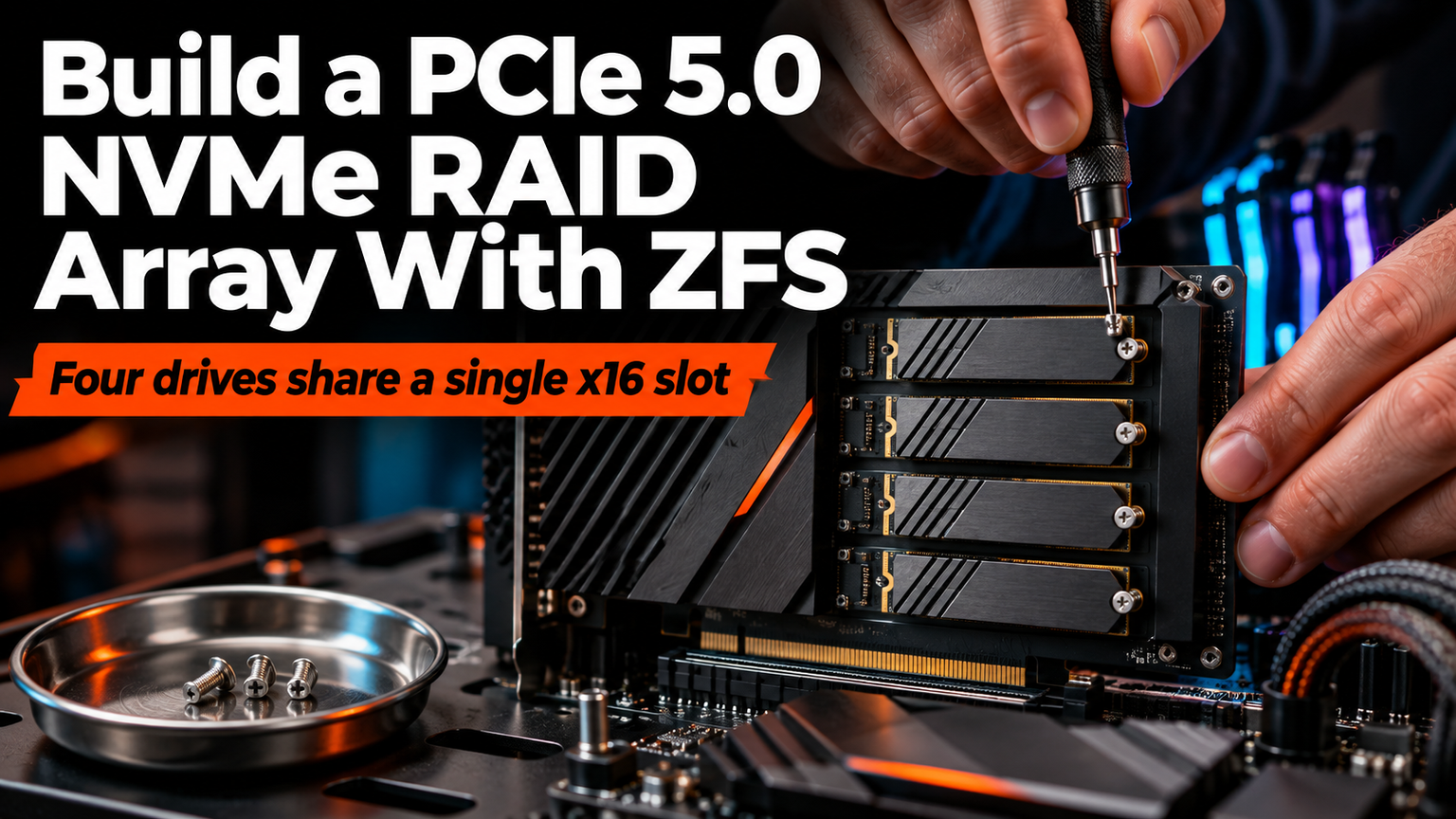
You don't need a rackmount server to saturate PCIe 5.0. A modern consumer CPU, two enterprise-grade M.2 drives, and ZFS will deliver 28 GB/s sequential reads with end-to-end checksums — no hardware RAID card required. The trick isn't buying more drives; it's wiring them to the CPU.
Lane Math Comes First
Every NVMe drive demands an x4 link. Your Ryzen 9000 or Core Ultra desktop serves 24 usable CPU lanes: x16 for the GPU, x4 for the primary M.2 slot. That leaves exactly one more x4 link for a second drive — if your board routes a second slot to the CPU. Check the block diagram before you buy. Chipset-attached slots share a single x4 uplink; adding a third NVMe there bottlenecks the whole array at ~7 GB/s.
⚠️
WarningMost boards with three or more M.2 slots wire the extras through the chipset. Read the manual's PCIe lane allocation table — marketing specs lie.
Why Two Drives in a Mirror
A two-drive mirror (RAID 1) gives you full read bandwidth from both drives, survives any single failure, and keeps expansion simple. ZFS mirrors don't require identical drives — mix capacities and the pool sizes to the smallest. Add a third drive later as another mirror vdev for more capacity and read IOPS. Striping (RAID 0) doubles speed but loses everything on one failure. RAID-Z needs three drives minimum and complicates expansion.
"The right NVMe array for most home builds is two drives in a mirror, in M.2 slots wired to the CPU, under ZFS or btrfs so every read is checksummed.
— Storage builder consensus, 2026
Drive Selection: Enterprise Over Consumer
Consumer drives (990 Pro, KC3000) throttle under sustained write loads and lack power-loss protection. For ZFS, you want PLP capacitors and steady-state write performance. Target 2-4 TB enterprise pulls: Micron 7450/7500, Kioxia CM7, Solidigm P5620. They're cheaper per TB new, rated for 1-3 DWPD, and hold 14 GB/s writes all day. Pair identical models for predictable latency.
| Model | Interface | Seq Read | Seq Write | DWPD | PLP |
|---|---|---|---|---|---|
| Micron 7450 PRO | PCIe 5.0 x4 | 12,000 MB/s | 6,800 MB/s | 1.0 | Yes |
| Kioxia CM7-V | PCIe 5.0 x4 | 12,500 MB/s | 7,000 MB/s | 1.0 | Yes |
| Solidigm D7-P5620 | PCIe 5.0 x4 | 11,800 MB/s | 6,500 MB/s | 1.0 | Yes |
| Samsung 990 Pro | PCIe 4.0 x4 | 7,450 MB/s | 6,900 MB/s | 0.3 | No |
ZFS Pool Creation
💡
TipUse /dev/disk/by-id/ paths, not /dev/nvmeXnY. They survive kernel reordering across reboots.
Thermal Reality Check
PCIe 5.0 drives hit 85°C+ under load without airflow. Consumer M.2 heatsinks are cosmetic. Mount a 40 mm fan blowing across both drives, or use a dual-slot M.2 adapter with a heatsink in a PCIe x4 slot wired to the CPU. Monitor with nvme smart-log /dev/nvmeX — throttle point is 80°C for most enterprise drives.
When You Actually Need a RAID Card
The HighPoint Rocket 7608A makes sense only when you've exhausted CPU lanes and need eight drives. It's a PCIe 5.0 x16 switch feeding eight M.2 slots — but it costs $600+, needs active cooling, and adds a firmware layer between ZFS and your media. For 95% of homelabs, two CPU-attached drives beat eight chipset-bottlenecked ones.
✦
Your Build Checklist
- Confirm two CPU-attached M.2 slots (x4 each) in motherboard manual
- Buy two identical enterprise PCIe 5.0 NVMe drives with PLP
- Add 40 mm fan or quality dual-M.2 heatsink
- Install Proxmox, TrueNAS Scale, or Ubuntu 24.04+
- Create mirrored pool with ashift=12, zstd compression
- Enable scrub cron:
0 2 * * 0 zpool scrub fastpool - Test pull-one-drive recovery before storing data
ℹ️
NoteTwo drives. CPU lanes. ZFS mirrors. That's the whole build. Everything else is noise.