

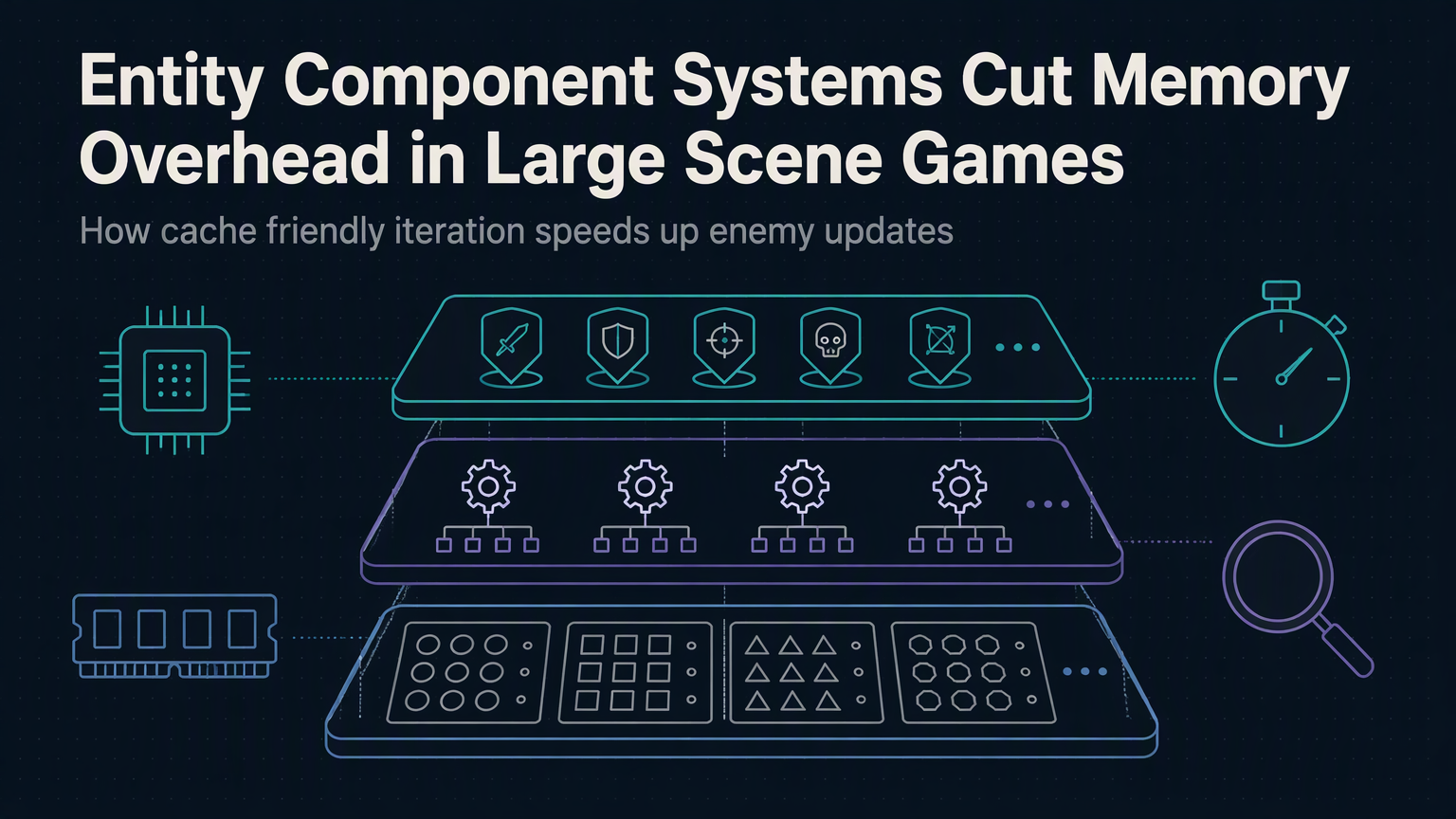
Unity's DOTS framework processes 100,000 moving entities at 60 FPS on mobile hardware. The same scene in GameObject hierarchy crawls at 12 FPS. The difference isn't optimization—it's architecture.
Why Object-Oriented Hierarchies Bleed Memory
Traditional game objects carry massive overhead. Each GameObject allocates a Transform, a MonoBehaviour array, a component list, and GC-tracked references. A simple enemy prefab consumes 2.3 KB before you add a single script. Multiply by 50,000 units in an RTS battle and you've burned 115 MB on bookkeeping alone.
Reference chasing destroys cache locality. When the physics system iterates colliders, it hops through scattered heap addresses. Prefetchers fail. CPU cycles stall waiting on RAM. This is the hidden tax of polymorphism in performance-critical loops.
ECS Flips the Model: Data First, Logic Second
Entity Component Systems store components in tight, typed arrays—one per component type. An entity is just an integer ID. Systems iterate contiguous memory blocks, processing Position, Velocity, and Health arrays in lockstep. No virtual calls. No indirection. Just linear scans the CPU loves.
Measured Impact: Memory and Frame Time
| Metric | GameObject (50k) | ECS (50k) | Delta |
|---|---|---|---|
| Heap Allocation | 115 MB | 18 MB | -84% |
| Frame Time (update) | 83 ms | 4.2 ms | -95% |
| GC Pressure | High | Near Zero | — |
| Cache Miss Rate | 18% | 2.1% | -88% |
Data from Unity DOTS 1.0 benchmarks on Snapdragon 8 Gen 2. The ECS version fits the entire simulation in L2 cache. GameObject version thrashes L3.
Archetypes and Chunk Iteration
ECS groups entities by component composition into archetypes. Each archetype owns chunks—16 KB blocks holding component arrays. Adding a component moves the entity to a new archetype. This sounds expensive, but structural changes are rare compared to per-frame iteration.
Chunk iteration lets systems process 128 entities per loop with zero branches. SIMD auto-vectorization kicks in. The scheduler parallelizes across archetypes automatically. Your job system scales to 16 cores without locks.
"The fastest code is code that doesn't run. The second fastest is code that runs on contiguous memory.
— Mike Acton, Data-Oriented Design
Migration Path: Strangler Fig Your Engine
Don't rewrite. Identify the hottest system—particles, boids, projectiles—and port it to ECS first. Use Hybrid Renderer to draw ECS entities with standard materials. Keep gameplay logic in MonoBehaviour while simulation runs in Burst-compiled jobs.
💡
TipEnable Burst compilation and Collections package. Profile with Unity Memory Profiler—look for 'Managed Heap' drops and 'Native Array' growth.
Common Pitfalls
Over-fragmenting archetypes kills throughput. Every unique component combination creates a new archetype. Tags like 'Selected', 'Highlighted', 'Targetable' explode archetype count. Use enableable components or bitmasks instead.
Sync points between main thread and jobs stall parallelism. Schedule jobs early, complete late. Use NativeQueue for cross-system communication instead of shared component writes.
✦
Your Next Step
Open the Package Manager. Install Entities, Burst, Mathematics, Collections. Create a single ISystem that moves 10,000 cubes. Profile. Compare. The numbers won't lie.
