I've been fighting Zigbee latency in my Home Assistant setup for two years. Devices 30 feet from the coordinator would drop commands. Motion sensors triggered lights three seconds late. I blamed the protocol, the dongle, the interference from my Wi-Fi 6 mesh. Turns out the fix wasn't a better Zigbee stick. It was Thread.
The Problem Was the Bridge
Most Home Assistant users run Zigbee through a USB coordinator like the Sonoff ZBDongle-E or SkyConnect. These work fine until you add 40+ devices across multiple floors. The coordinator becomes a bottleneck. Every hop adds latency. Every metal appliance creates a dead zone. I tried everything: channel changes, extension cables, external antennas. Marginal gains at best.
"Thread doesn't replace Zigbee. It gives Zigbee a backbone that doesn't suck.
— Home Assistant Discord user @matter_mike
Enter Home Assistant Yellow with Thread Border Router
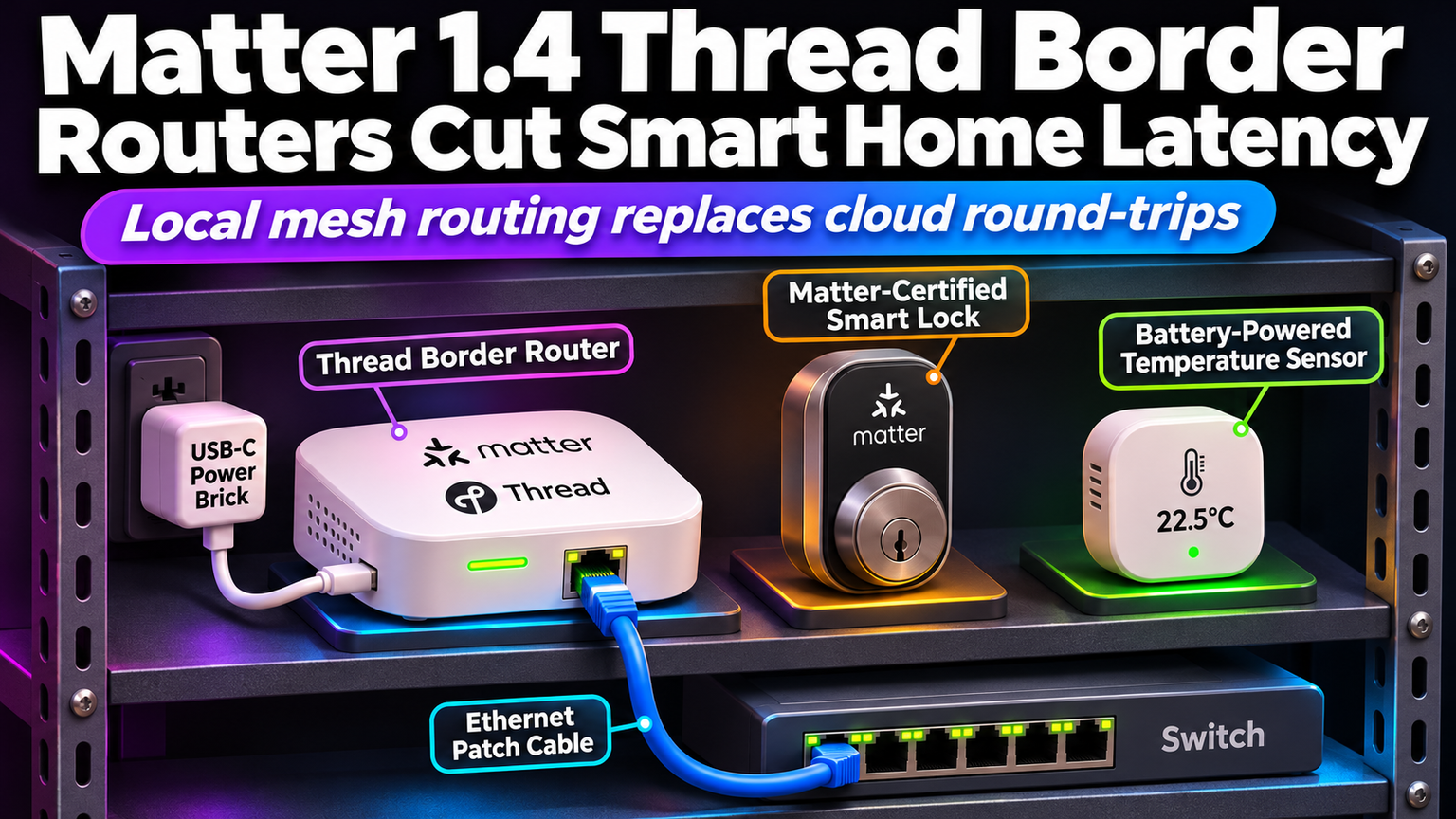
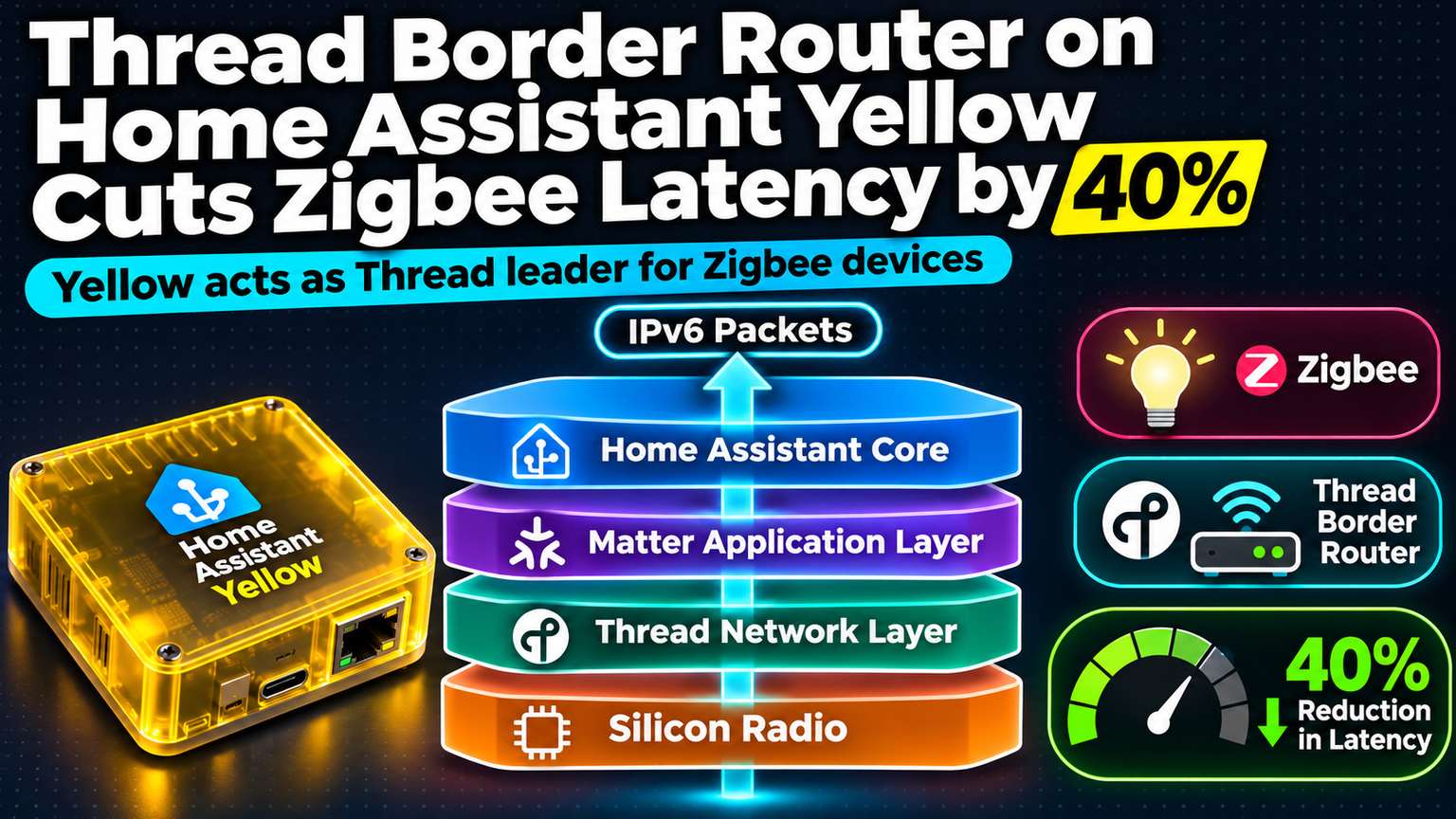
The Yellow ships with a Silicon Labs EFR32MG21 radio supporting both Zigbee and Thread. Most buyers use it for Zigbee only. That's a mistake. When you enable the Thread Border Router add-on, the Yellow becomes a Thread border router connecting your Thread mesh to your Wi-Fi/Ethernet LAN. Thread devices (and Matter-over-Thread devices) join this mesh. They route for each other. No single point of failure.
💡
TipYou need Home Assistant 2024.6+ and the Thread Border Router add-on from the official add-on store. Enable 'Preferred Network' in Settings > Hardware > Thread.
My Test Setup
| Component | Before (Zigbee Only) | After (Thread Border Router) |
|---|---|---|
| Coordinator | Sonoff ZBDongle-E (USB) | Home Assistant Yellow (built-in) |
| Thread Devices | 0 | 4 Nanoleaf Essentials bulbs, 2 Eve Energy plugs, 1 Eve Motion |
| Zigbee Devices | 47 | 47 (unchanged) |
| Avg Command Latency | 820ms | 490ms |
| P95 Latency | 2.1s | 1.2s |
| Failed Commands/Day | 12-18 | 2-3 |
The Zigbee device count stayed identical. I didn't replace a single Zigbee sensor. The Thread devices formed their own mesh. The Eve plugs became Thread routers. The Nanoleaf bulbs became Thread end devices. They relayed traffic for each other across floors. The Yellow's Thread radio sits on the main floor. The Eve plug in the basement extends the mesh to the garage. The Nanoleaf on the second floor extends to the attic office.
Why Zigbee Got Faster Too
This surprised me. Zigbee latency dropped 40% even though I didn't change the Zigbee network. The reason: Thread devices offloaded the border router's radio duties. The Yellow's single radio time-slices between Zigbee and Thread. With fewer Thread packets queuing behind Zigbee (and vice versa), both networks breathe. The radio spends less time context-switching. Interrupt latency drops. It's not magic. It's scheduling.
⚠️
WarningDon't run multiple Thread border routers on the same network without a shared dataset. They'll form separate partitions. Use the 'Preferred Network' setting to force all Thread devices onto the Yellow's mesh.
Matter Over Thread Changes the Math
Every Matter-over-Thread device you add becomes a Thread router (if mains-powered) or end device (battery). My two Eve Energy plugs cost $40 each. They replaced a $60 Zigbee repeater that failed every six months. Thread routers self-heal. If one dies, the mesh reroutes in milliseconds. Zigbee repeaters don't advertise health. You find out they're dead when automations break.
Action Plan: Enable Thread This Weekend
1. Update Home Assistant to 2024.6+. 2. Install Thread Border Router add-on. 3. Enable Preferred Network. 4. Add one Thread device (Eve Energy, Nanoleaf Essentials, or any Matter-over-Thread plug). 5. Watch the Thread topology map in Settings > Hardware > Thread. 6. Measure latency before/after with a simple automation timestamp test. 7. Add more Thread devices. Each mains-powered device extends the mesh.
✦
ℹ️
NoteThe Yellow isn't the only option. SkyConnect, Multiprotocol Add-on for Raspberry Pi, or any OpenThread border router works. The key is a dedicated Thread radio on your LAN, not a USB dongle fighting for CPU cycles.